Plan, Do, Check, Act (PDCA): what is it?
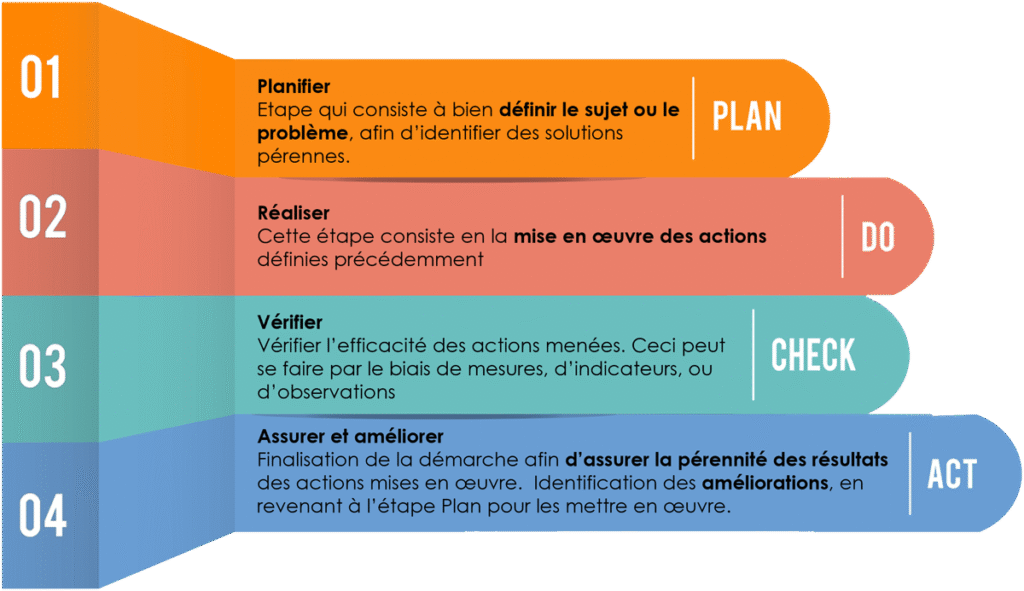
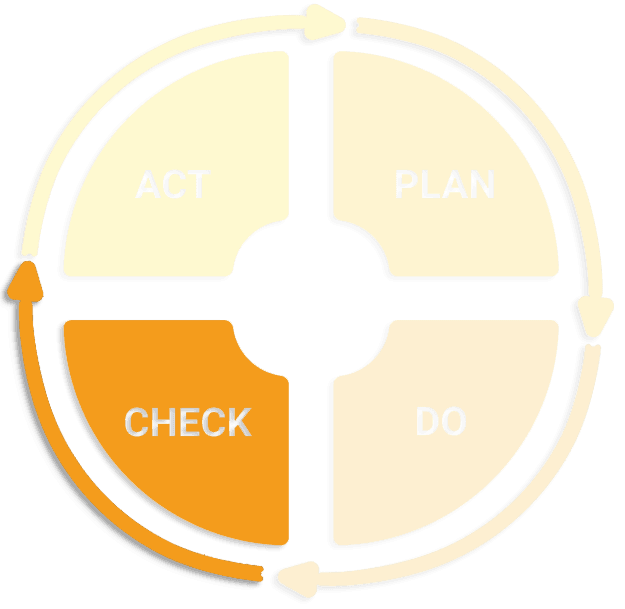
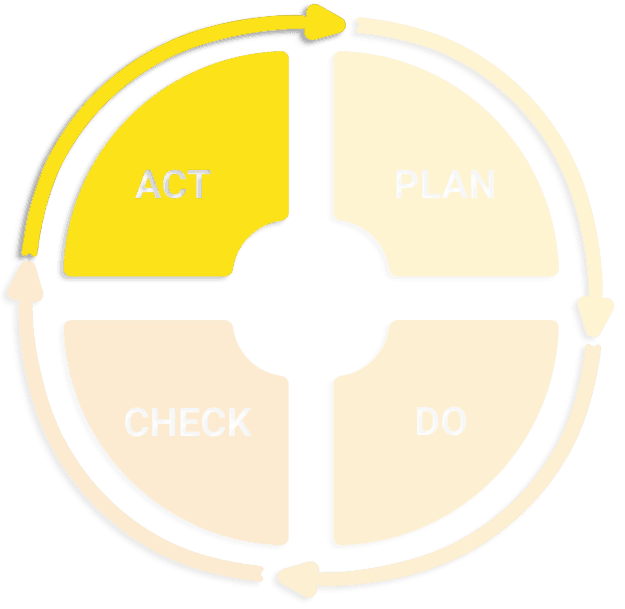
PDCA stands for Plan, Do, Check, Act, and gives its name to a tool used in process quality management. Its aim is to solve problems by following the four phases in the acronym: plan, do, check and act.
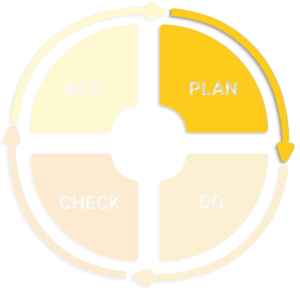
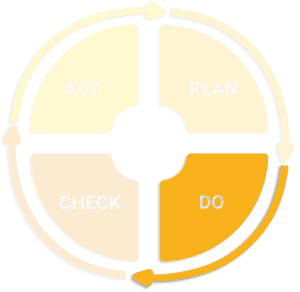
PDCA is a continuous improvement or problem-solving approach, symbolised by the Deming wheel, named after the American consultant who popularised it, William Edwards Deming. Because it is a cyclical tool, it also encourages continuous process improvement.
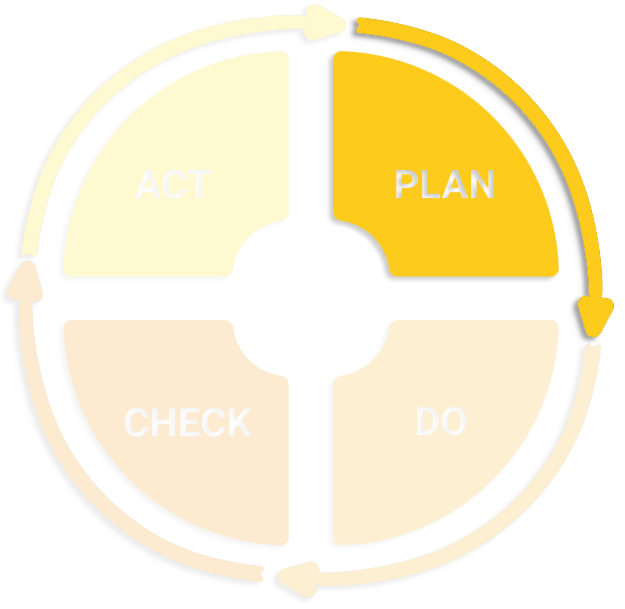
Plan
Identify improvement opportunities. Analyse the starting situation. Set measurable objectives. Prepare the action plan.
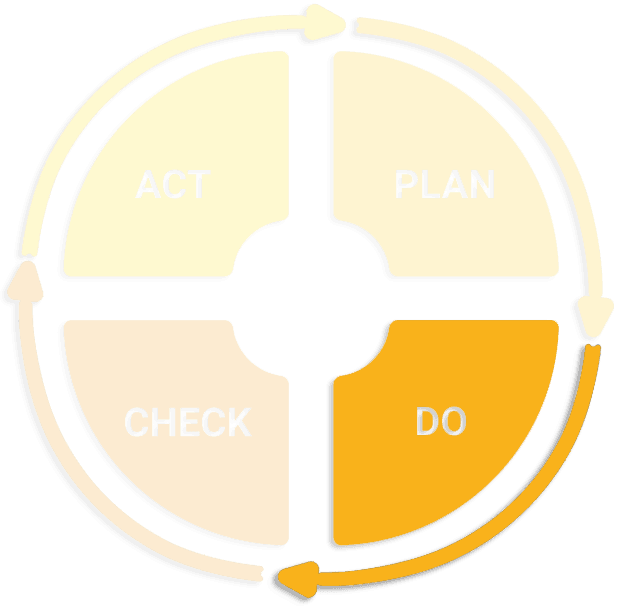
Do
This is the test stage: implementing the chosen action.
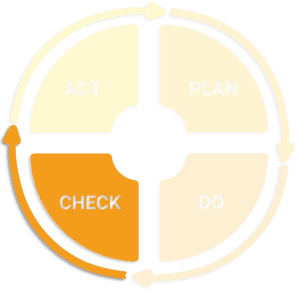
Check
Evaluate the results of the action by comparing the plan implemented with the one intended.
After this evaluation, there are two possible situations:
1) the objective is achieved: we can move on to the next stage
2) the objective is not achieved: if the problem lies in how the plan was implemented, go back to the previous stage; otherwise, review the causes of the problem completely.
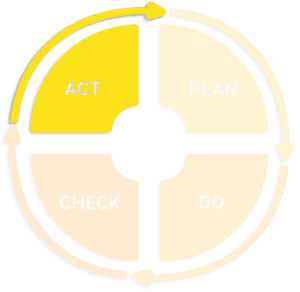
Act
If the cycle was effective, the change must be documented, standardised and monitored. Ensure that the results of the actions implemented last.
FMEA: failure management
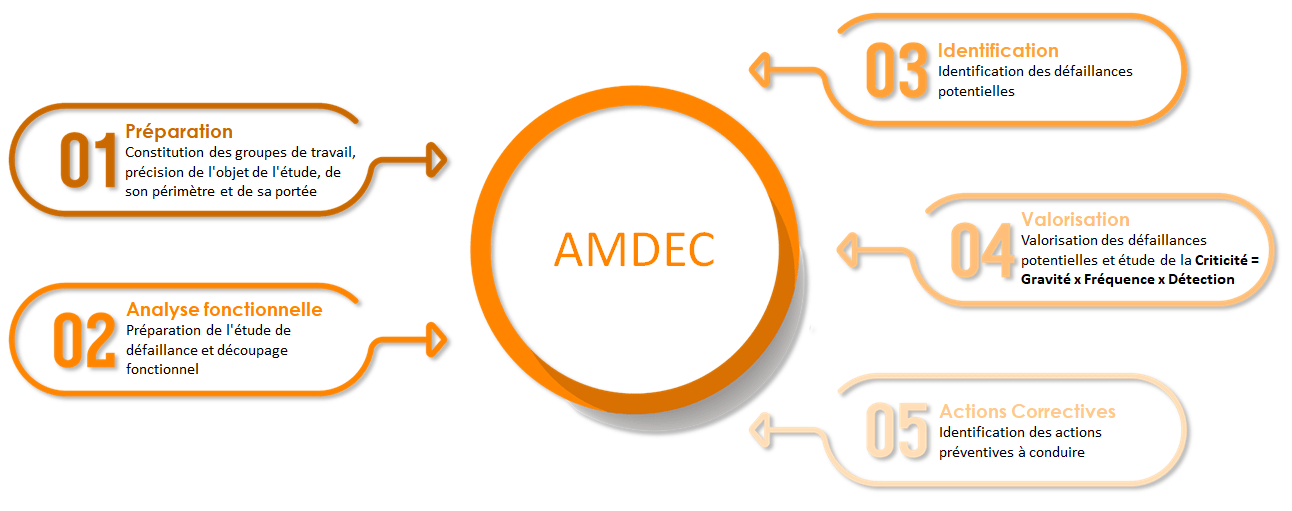
The FMEA method (Failure Mode, Effects and Criticality Analysis — AMDEC in French) is a tool used in quality approaches and in dependability. It lists and then organises the foreseeable failure modes and their consequences when designing a product or implementing a process. FMECA differs from FMEA, the first version of the approach, by a quantification based on the notion of criticity (C).
Criticity is an essential parameter that completes the scope of the risk analysis and turns it into a real decision-support tool. It is determined by the product: frequency index × severity index × detection index. Each element is usually scored from 1 to 10. The greater the product of these 3 elements (F × S × D), the more critical the failure mode.
An FMEA analysis is carried out in a participatory way.
PDCA & FMEA in KmProd, Meta 2i’s MES suite
KmProd, the MES software published by Meta 2i, includes PDCA and FMEA modules to target and identify the problems encountered on the shop floor and resolve them as effectively as possible!
KmProd’s continuous improvement module
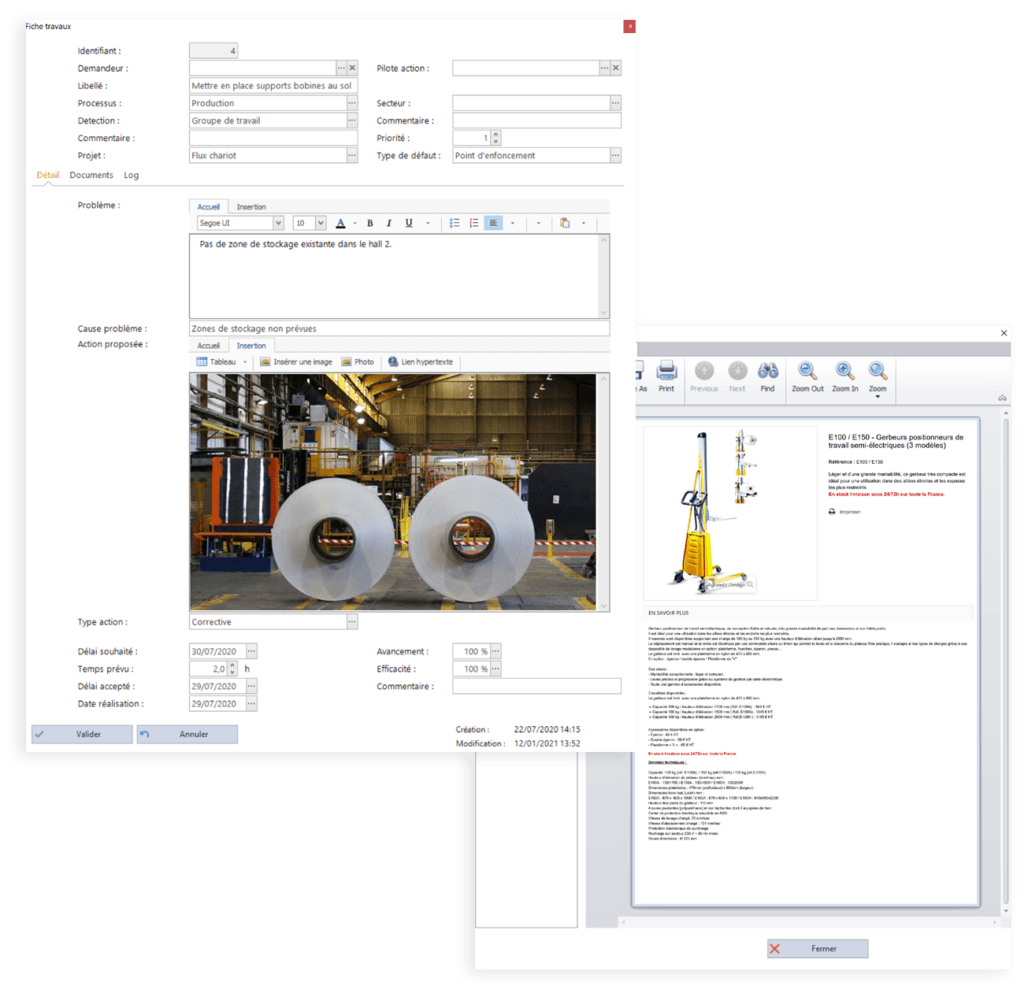
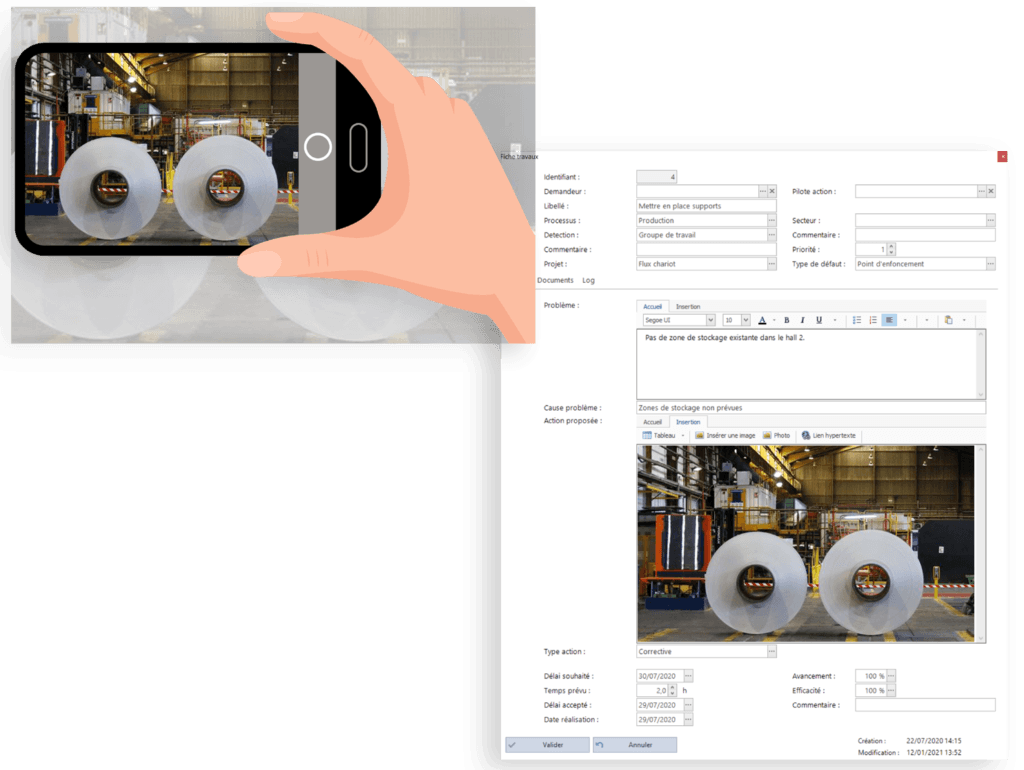
In KmProd, each action plan has a detailed work sheet containing everything needed to describe the problem and the actions to resolve it as precisely as possible: name of the requester and of the person responsible for carrying it out, description of the problem, its cause, description of the action to take, progress of the action and its effectiveness once completed, etc.
As it is often simpler, faster and more effective to take a photo of a problem and/or a task to be done, the KmProd work sheet lets you attach an image in the problem description field, as well as in the proposed action field.
You can also attach all the documentation needed to carry out the action plan to the work sheet.
Lists of recorded action plans, filtered by request, by action and by status (pending, priority, in progress, completed or validated), as tables or dashboards: with KmProd, all these tools help you pinpoint all your problems as effectively as possible and take the right actions. Another advantage of KmProd’s PDCA module is that it is not limited to one department: it can be used in production as well as in human resources, maintenance, etc. The module is shared by all, everyone has access to it, everything is pooled.

Depending on needs and the action plans to be carried out, action plan reports can be emailed daily, weekly or monthly, reporting various information on the actions: any change to a work sheet, a change of value, delays in carrying out actions, completed actions, the effectiveness of a completed action, an added comment or document, a new action recorded, a new person assigned to the action, etc. All this information helps manage the action plan in real time.
For example: when an action moves from planned to started, a notification is automatically sent to the requester and to the action owner.
Failure management in KmProd
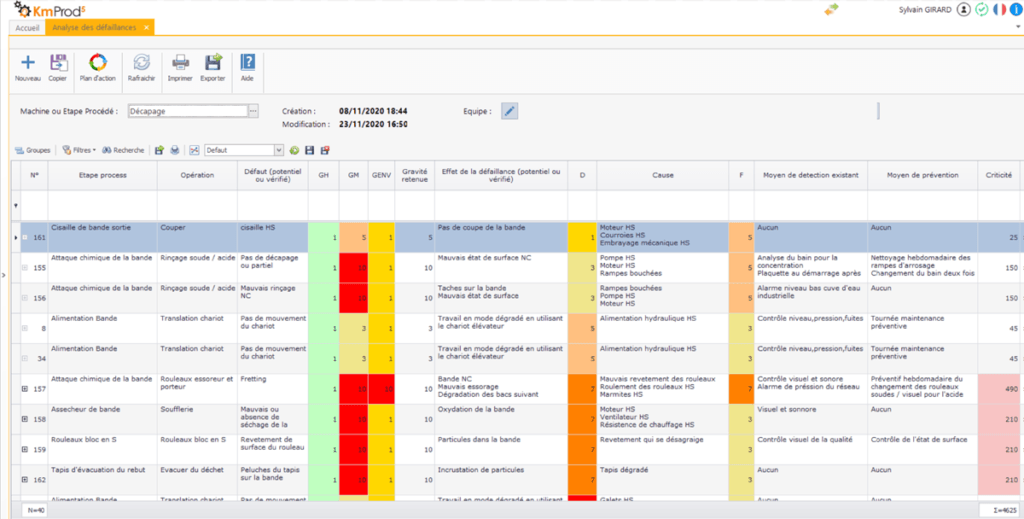
KmProd lets you define all the failure level values to apply to the frequency (F), severity (S) and detection (D) indices, and so calculate the criticity (C). As for action plans, each failure, confirmed or potential, is recorded in a detailed sheet: name of the process and operation, description of the confirmed or potential defect, its consequences, its cause, the means of detecting and preventing the failure, the severity, detection and frequency indices, etc. A failure is very often detected visually, so it is quicker and more effective for the operator to take a photo of the problem and attach it to the information sheet.
The list of failures, recorded by process, clearly shows the severity, detection and frequency indices. The criticity is then calculated from the product of these indices.
Above a threshold set by the user in the KmProd module, the criticity turns red and automatically triggers a previously recorded action plan. Several criticity thresholds can be defined in KmProd to manage failures as well as possible:
- between 0 and a first threshold: do nothing;
- then: monitor;
- then: take into account, with a possible action plan;
- above the last threshold: correct immediately, action plan mandatory.

Once the action plan is complete, the Severity, Detection and Frequency indices are recalculated to check whether the Criticity index is above or below the accepted threshold.
As long as the Criticity has not fallen below the threshold, new action plans are triggered.